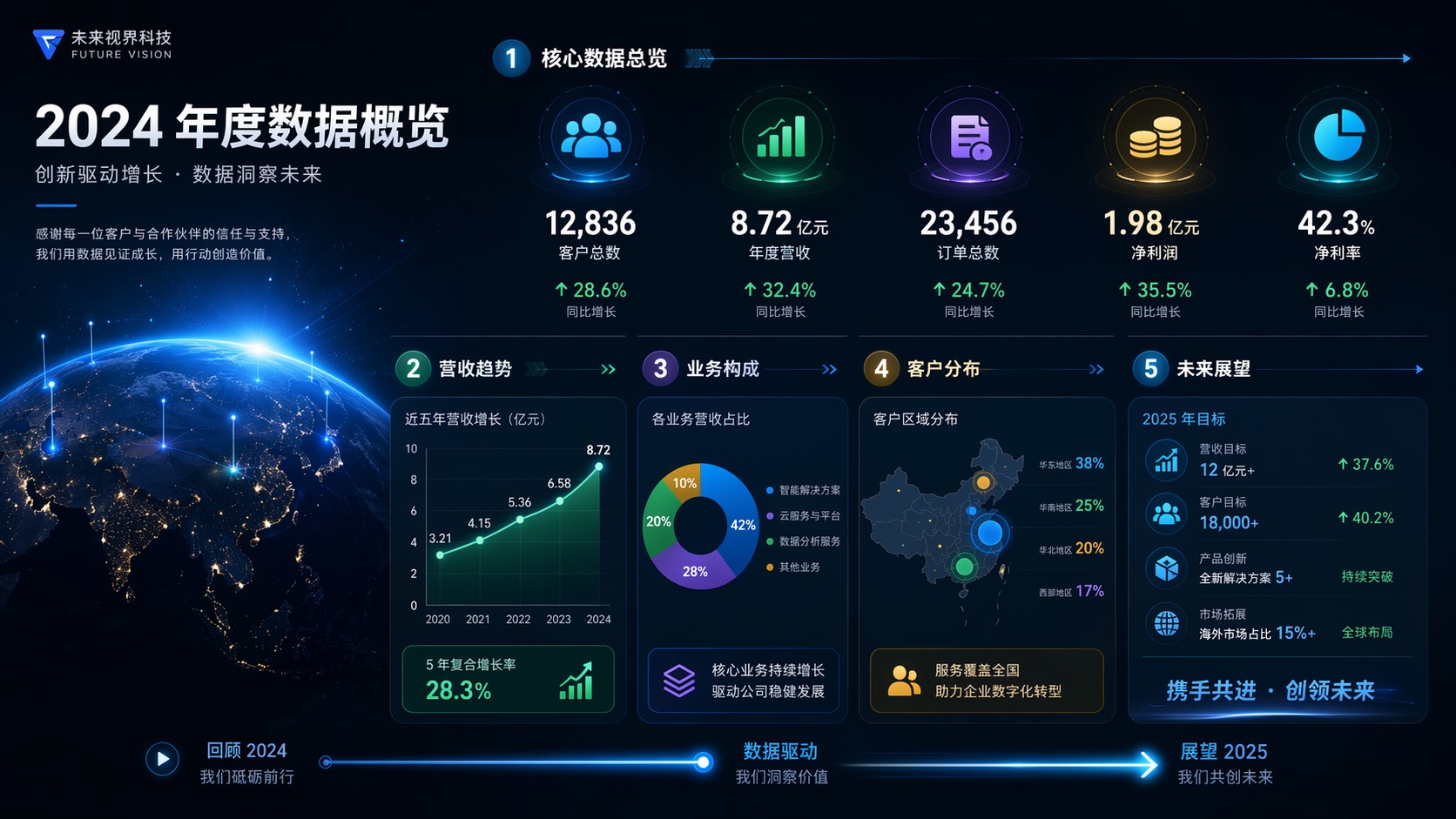
Generate Annual Report Animations in One Click
One prompt → a motion annual report
Built on motion graphics, Annual Report Animation turns your yearly data into a motion report: revenue, growth, and key metrics rendered frame by frame, with professional colors and clear pacing. Ideal for annual reports, wrap-up presentations, and launch events.
How It Works
-
1
Describe the topic and content
Write down what you want to convey, plus brand and style.
-
2
Set motion and pacing
Specify the motion style, colors, and duration.
-
3
Generate motion graphics
The model outputs smooth, cohesive motion graphics.
-
4
Preview and export
Preview the pacing and visuals, then export the final cut.
FAQ
Do I need design skills?
No. Just describe it in a sentence, and AI handles the motion choreography.
Can I control the style and pacing?
Yes. Specify the motion style, colors, and duration in your prompt.
Can I use the videos commercially?
Yes. Output is full-HD, ready for commercial campaigns.
What is it good for?
Intros and outros, data reports, product demos, and social short videos.