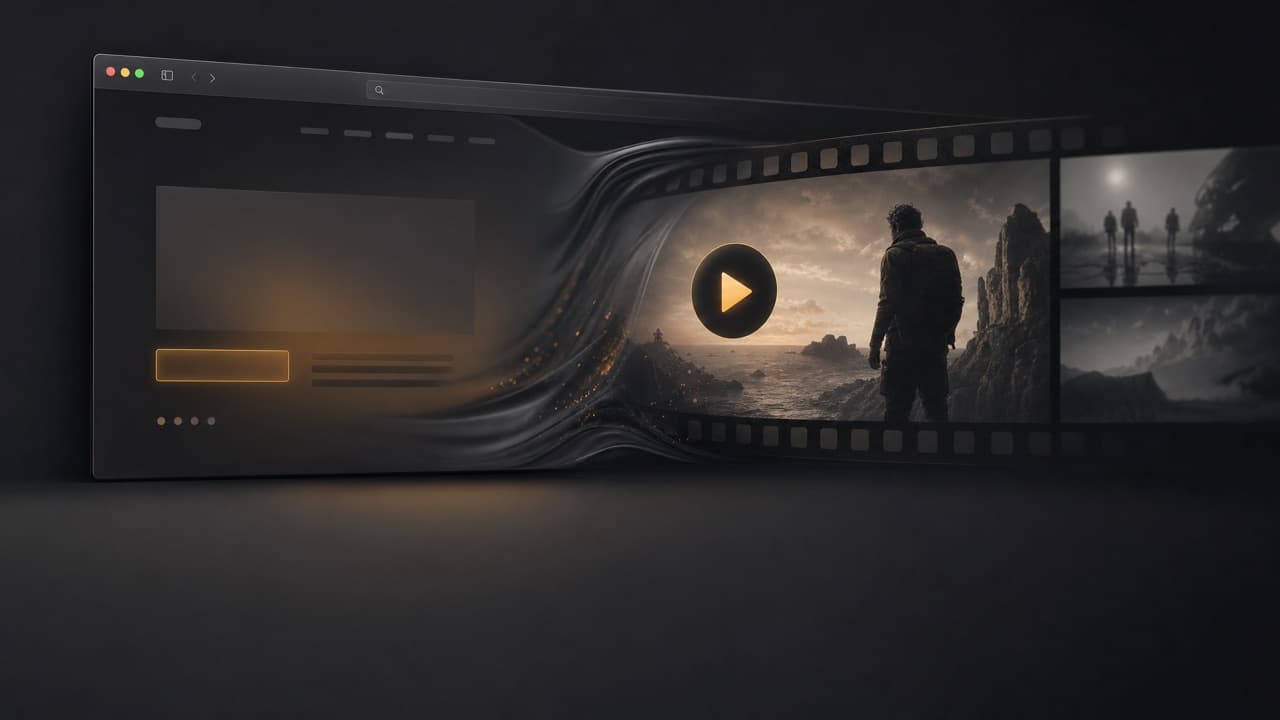
 AI Skill
Turn any website into a video
Paste a URL, get a polished short video
The Website to Video skill takes a single URL and produces a polished short video. It captures the site's brand — colors, fonts, copy and assets — then walks brief → storyboard → voiceover → Remotion build → export. Best for social ads, product demos, brand reels and launch teasers.
How it works
- 1
Paste a URL
Drop in any website or landing page link — that's the whole input.
- 2
Capture the brand
The skill reads the site's colors, fonts, copy and key assets to stay on-brand.
- 3
Storyboard and voiceover
It drafts a brief, builds a storyboard, and generates a matching voiceover.
- 4
Render and export
A Remotion build assembles the final cut, ready to export for social or ads.
Example prompts
Tap any prompt to open it in the workspace and start creating.
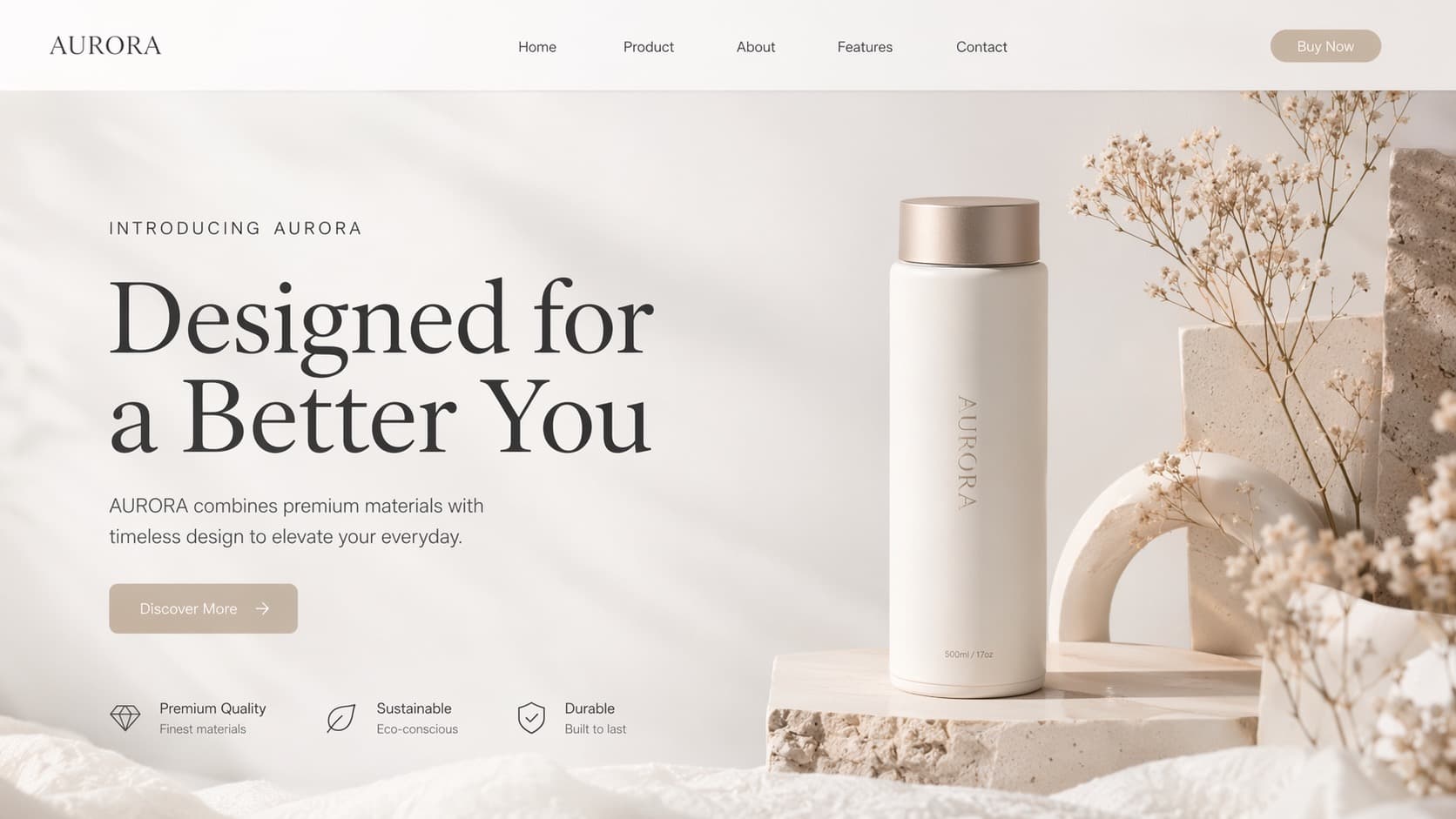
Landing Page Promo Video
A minimalist web landing-page design for the brand "AURORA". At the center, a streamlined white insulated bottle with a silver lid stands elegantly on a textured stone pedestal. The background is bright pure white, complemented by soft natural light and subtle shadows. On the right side of the frame are decorative geometric elements such as dried flowers, a white arch, and speckle-textured geometric blocks. On the left is an elegant large serif headline "Designed for a Better You", along with a "Discover More" button. In the bottom-left, several small icons are arranged, highlighting product features such as "Premium Quality", "Sustainable", and "Durable", creating an overall clean, high-end, and eco-conscious visual aesthetic.
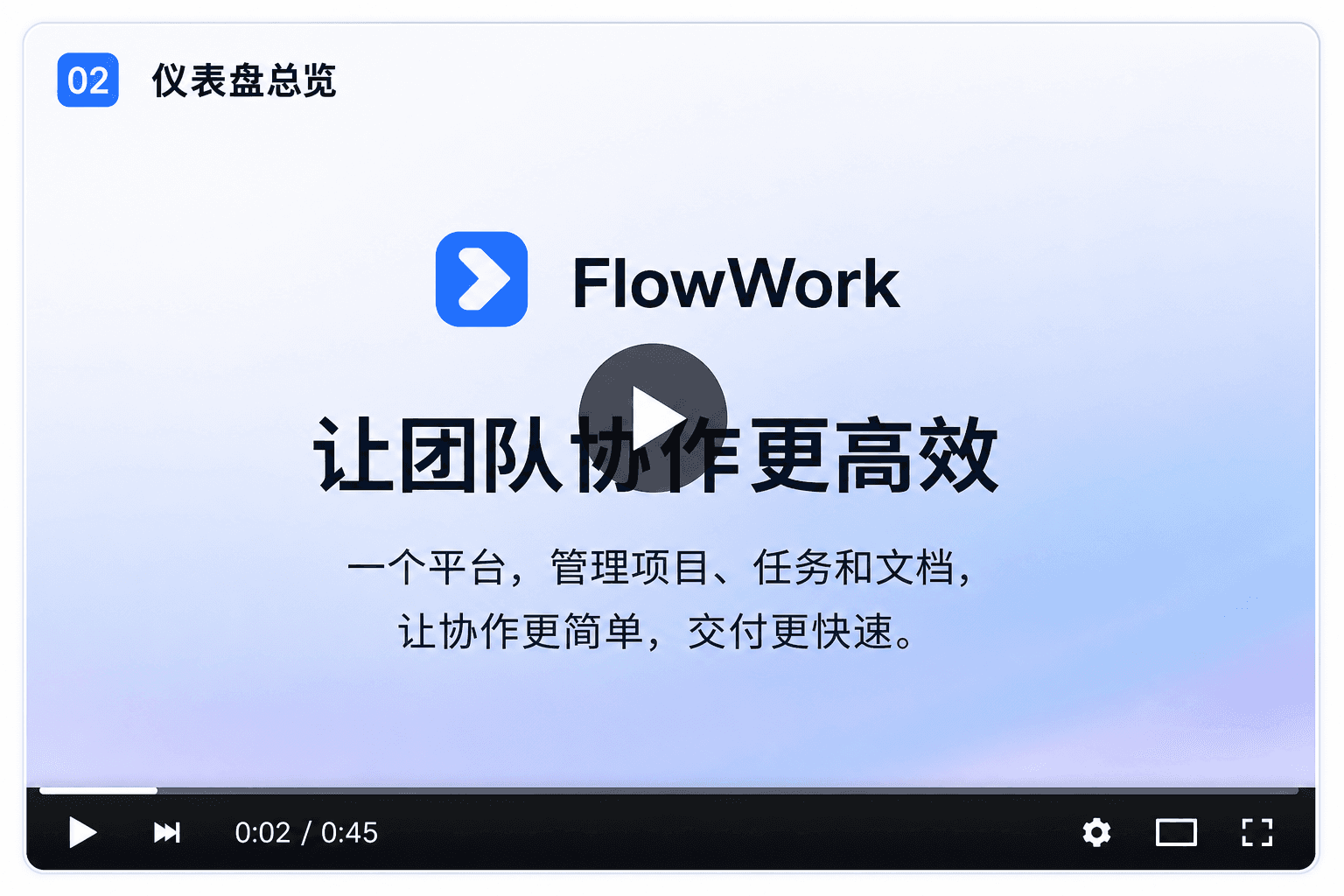
SaaS Product Tour
A high-quality UI design screenshot showing a modern video player interface that is playing a software demo slide. Background: a soft, clean light-blue to lavender-white gradient. Top-left: a blue rounded-square badge with the white number "02", next to the Chinese text "Dashboard Overview". Top-center: a logo made of a blue rounded square with a white right-pointing arrow, beside the bold black wordmark "FlowWork". Center: a large, bold Chinese headline "Make team collaboration more efficient". Overlaid at the center of the text is a large, semi-transparent dark-gray circular play button (with a white triangle inside). Lower-middle: two lines of smaller Chinese product description text: "One platform to manage projects, tasks, and documents," and "making collaboration simpler and delivery faster.". Bottom: a black video player control bar. At the top is a thin white progress bar; on the left are play and skip icons, the center shows the timestamp "0:02 / 0:45", and on the right are the settings (gear), picture-in-picture, and fullscreen icons in order. Style: minimalist, business-like, clean typography, high resolution.
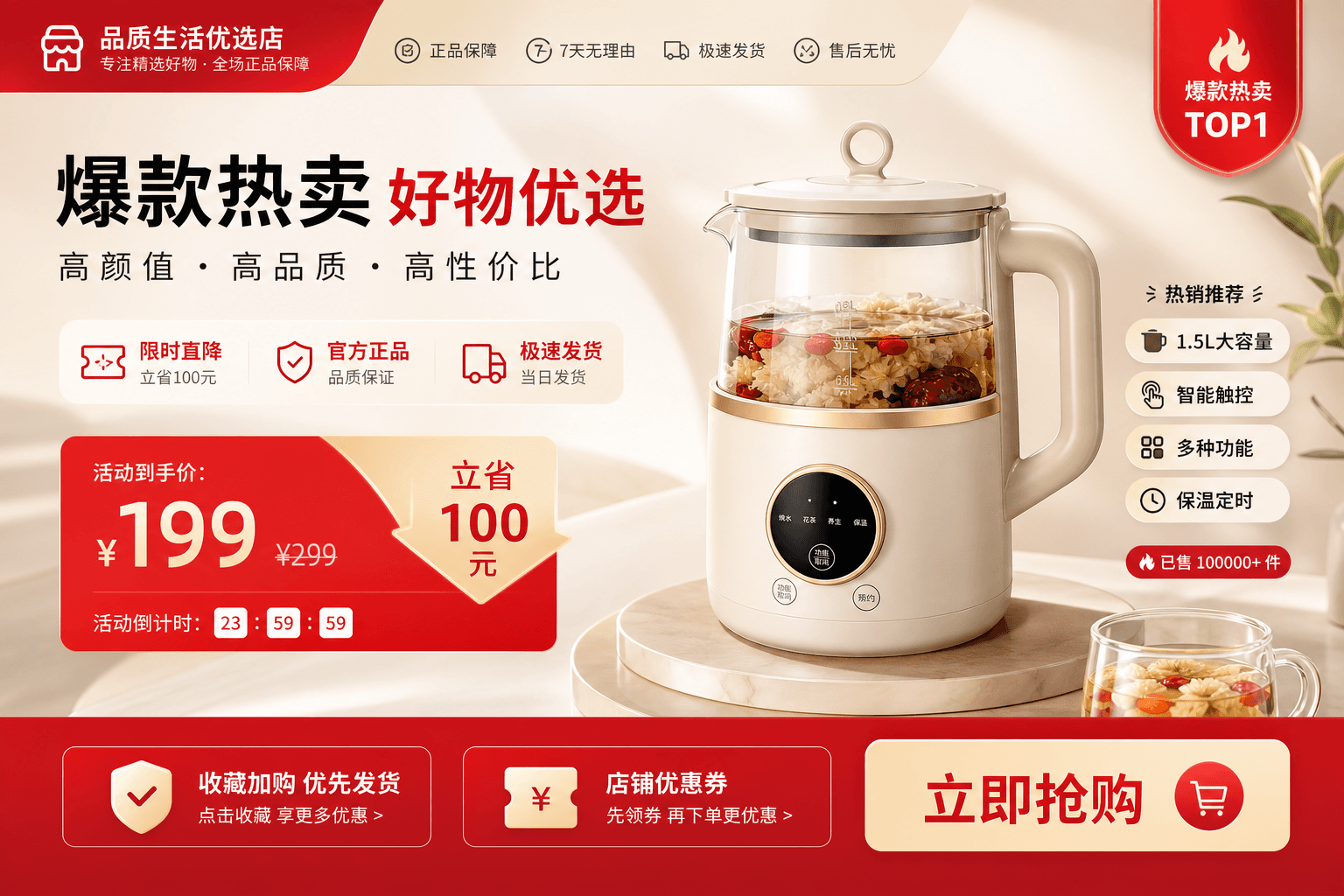
E-commerce Store Showcase
A high-quality e-commerce promotional poster for a smart glass health kettle. At the center is the hero product: a milky-white electric kettle with a transparent glass body, a gold accent ring, and a black round touch control panel on the base. Inside the glass kettle is a health soup brewed from white fungus, red dates, and goji berries. The kettle sits on a round marble display stand. In the bottom-right is a small glass cup containing the same health soup. The background is a soft, warm beige, dotted with a few green plant leaves. The layout includes eye-catching red-and-white graphic elements: a large red "199" price tag on the left, a bold "Best Seller" headline, a feature list on the right, and a red "Buy Now" button at the bottom. A "TOP 1" badge is in the top-right corner. The overall style is clean, modern commercial photography with soft lighting. --ar 16:9
Portfolio Site Reel
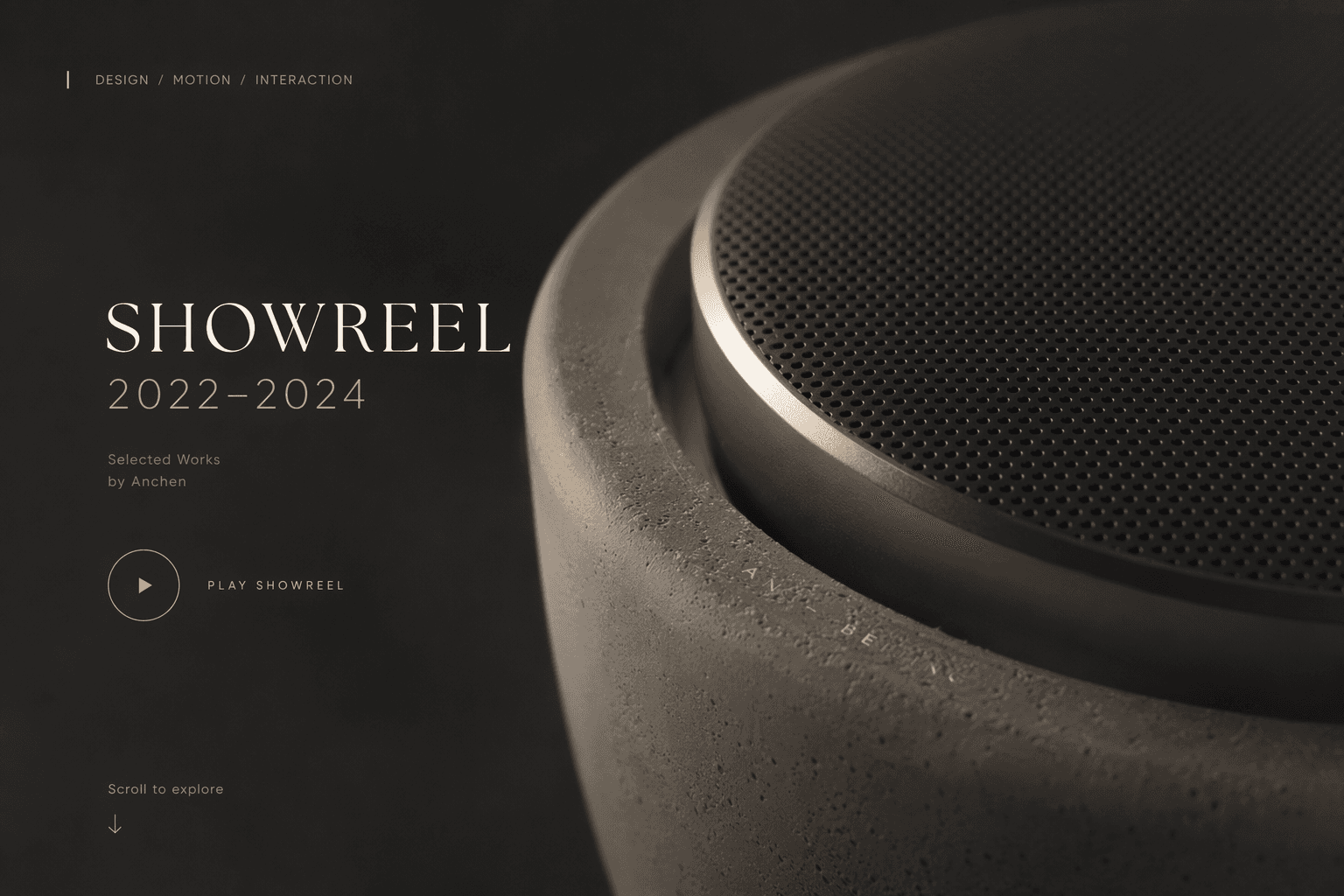
Prompt: Subject: a high-end macro close-up of a modern cylindrical speaker or smart device. Material and texture: the device body uses a rough dark-gray concrete texture with visible pores and a stone-like feel. The top area is wrapped by a smooth matte metal edge (brushed aluminum feel), with a refined black perforated mesh grille inside. The carved text "AN - BEIJING" is faintly visible on the curved concrete surface. Lighting and atmosphere: cinematic soft studio lighting from the upper right, creating deep shadows that emphasize the textural contrast between rough concrete and smooth metal. The overall mood is dark, emotive, refined, and highly premium. Composition: the object sits on the right side of the frame, taking up about 60% of the space. The left side is dark negative space, reserved for typography. UI/overlay elements (optional, for context): on the left is minimalist white-and-gold typography, with a large serif font reading "SHOWREEL 2022-2024" and smaller text below, "Selected Works by Anchen". At the bottom is a thin-line circular "Play" button icon and the words "Scroll to explore". Style: industrial design, 3D render, Octane renderer, photorealistic, 8K resolution, minimalist portfolio cover. Extracted keywords: Design style: minimalist, industrial, modern. Colors: dark gray, charcoal, pure black, matte silver, gold (text accents). Textures: concrete, stone, perforated metal, brushed metal. Typography: serif (for "SHOWREEL"), sans-serif (for detail text), elegant, clean. Layout: asymmetric composition, negative space on the left.
App Store Preview
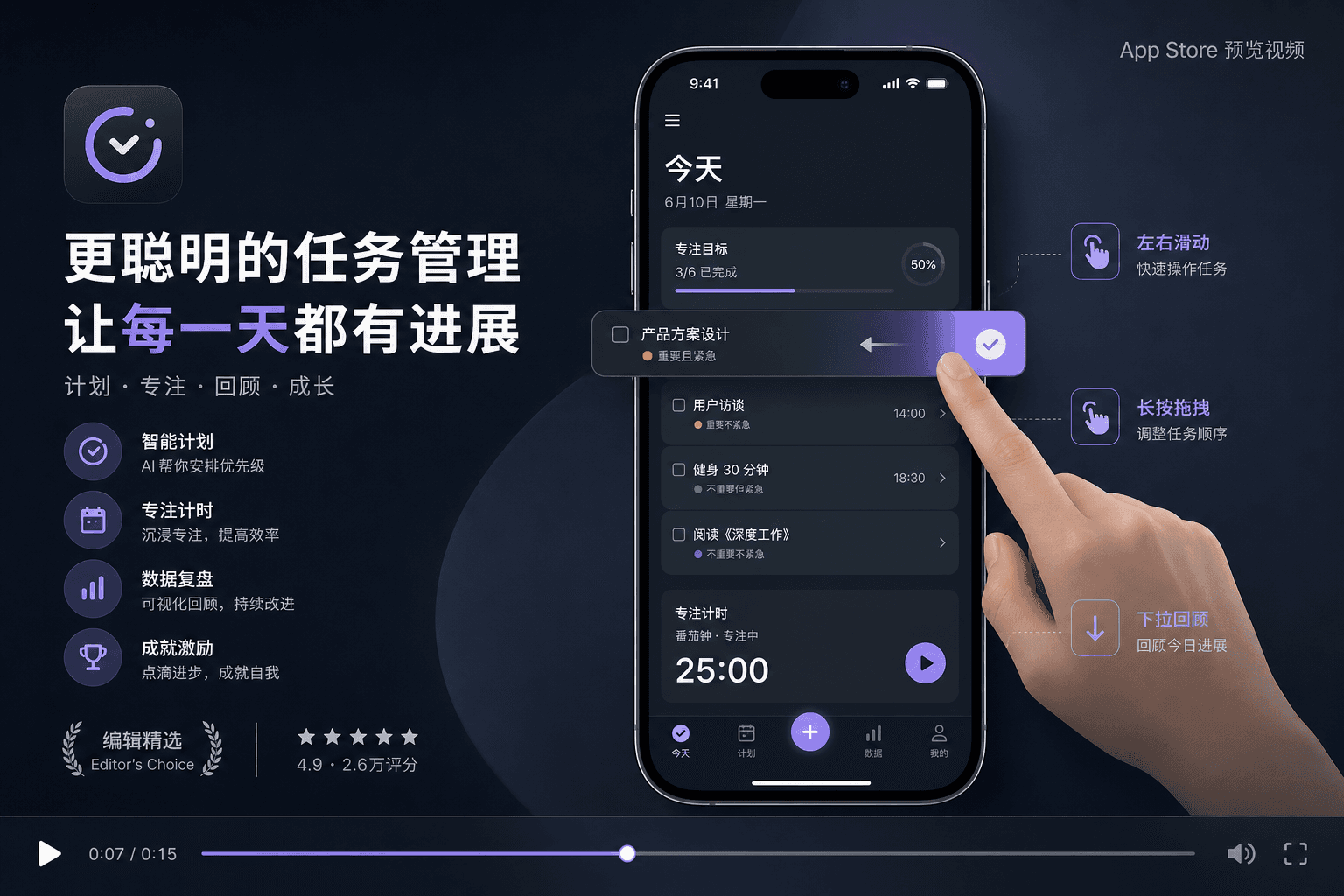
A high-quality App Store promo image for a mobile task management app. The background is a smooth deep-blue gradient. In the center floats a modern smartphone (resembling an iPhone Pro) showing a dark-mode UI with vivid purple accents. A realistic 3D-rendered hand reaches in from the right side of the frame, swiping a task card labeled "Product Plan Design" to the left, revealing a purple checkmark button. The phone screen shows the "Today" view, including a 50% progress bar, a task list with colored priority tags (orange, green, blue), and a Pomodoro timer set to 25:00. To the left of the phone is a bold white headline "Smarter Task Management", next to a purple app icon, a list of feature icons, and an "Editor's Choice" laurel badge. To the right of the phone float UI tooltip boxes with hand icons, explaining gestures such as "Swipe", "Drag", and "Pull down". At the very bottom is a video player timeline, indicating this is a frame of a preview video. The overall style is a clean, modern, professional UI/UX showcase, 8K resolution. --ar 16:9
Web Product Demo Clip
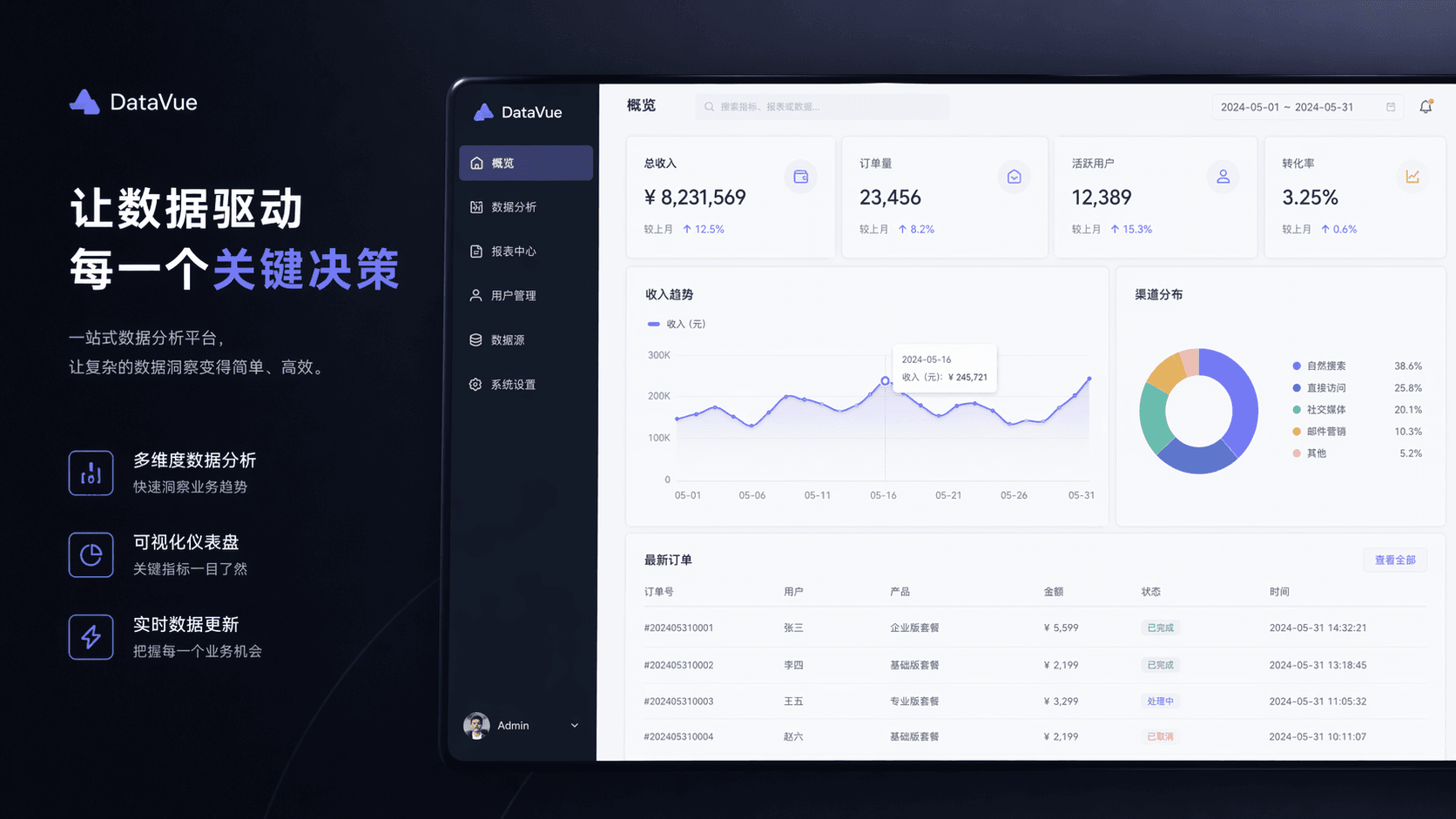
A high-fidelity UI/UX showcase mockup of a data analytics platform called "DataVue". The composition is divided into two distinct areas against a dark background. Left area (marketing showcase): Background: deep navy/black. Logo: at the top, a "DataVue" logo with a blue geometric triangle icon. Headline: large bold white text "Let data drive every key decision". Subtitle: smaller gray text describing this as a one-stop data analytics platform. Feature highlights: three vertically arranged items with blue line icons (bar chart, pie chart, and lightning bolt), representing "Multi-dimensional data analysis", "Visualization dashboard", and "Real-time data updates". Right area (dashboard interface): Style: a large floating window showing a clean, bright white-themed dashboard interface with a dark sidebar. Sidebar: a dark-blue navigation menu with options such as "Overview", "Data Analysis", and "User Management". At the bottom is an "Admin" user avatar. Top core metrics: four cards showing key performance indicators (KPIs): Total revenue: ¥ 8,231,569 (green up arrow, +12.5%). Orders: 23,456 (green up arrow, +8.2%). Active users: 12,389 (green up arrow, +15.3%). Conversion rate: 3.25% (green up arrow, +0.6%). Chart area: Left chart: a line chart titled "Revenue Trend", with a blue line fluctuating between 100k and 300k, and a tooltip highlighting a specific date (2024-05-16). Right chart: a donut chart titled "Channel Distribution", with blue, green, yellow, and orange segments, accompanied by a legend (organic search, direct visits, etc.). Bottom table: a data table titled "Latest Orders", with columns such as order ID, user, product, amount, status (with green, blue, and red status badges), and time. Overall aesthetic: professional, modern, enterprise-grade tech feel, high resolution, clean typography, a blue-and-white color scheme.
Frequently asked questions
What do I need to provide?
Just a URL. The skill captures the page's brand and content automatically.
Will it match my brand?
Yes. It pulls colors, fonts, copy and assets from the site so the video stays on-brand.
What are good use cases?
Social ads, product demos, brand reels and launch teasers built straight from a live page.
Can I edit the result?
Yes. You can adjust the storyboard, voiceover and styling before exporting the final video.